TN150: Removing the Red Shipping Bracket from the RAMM
Tools Needed:
- 5mm and 6mm driver or Allen wrench
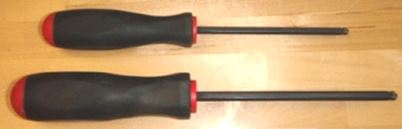
STEP 1: Locate the Red shipping bracket on the RAMM. It is attached between the Arch and the Linear Positioner, LS-50, and should be obvious.
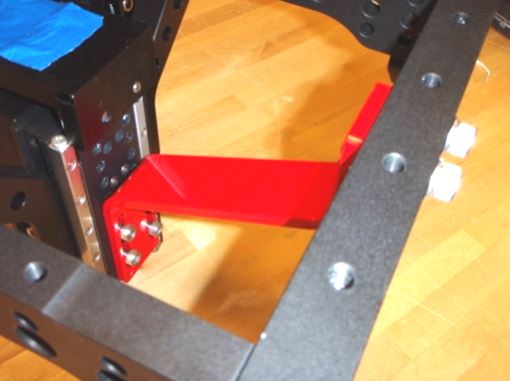
STEP 2: Locate the six cap screws that retain the bracket.
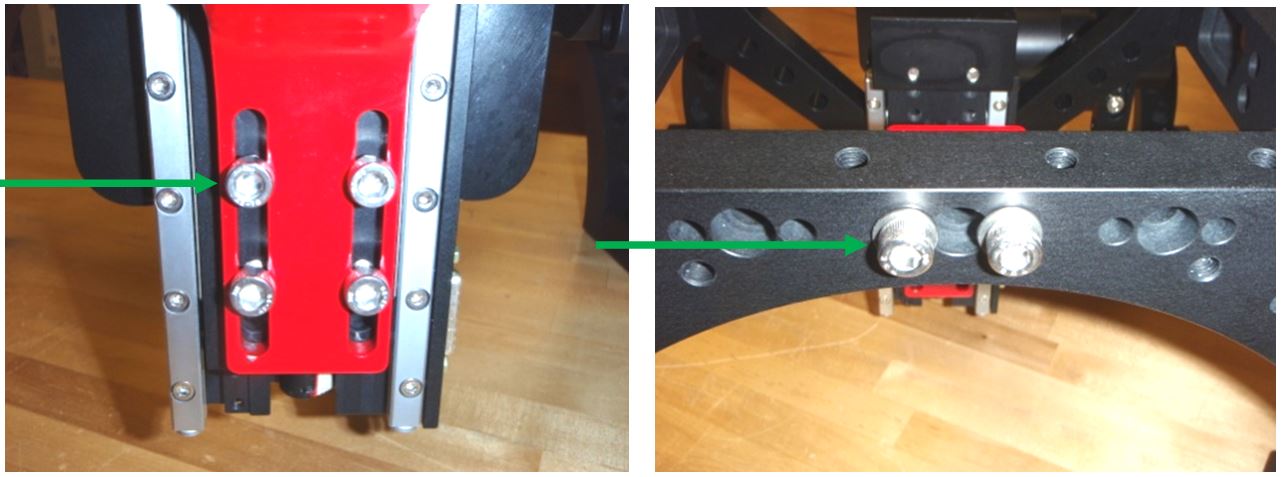
STEP 3: The bottom four screws are removed with the 5mm Allen wrench.
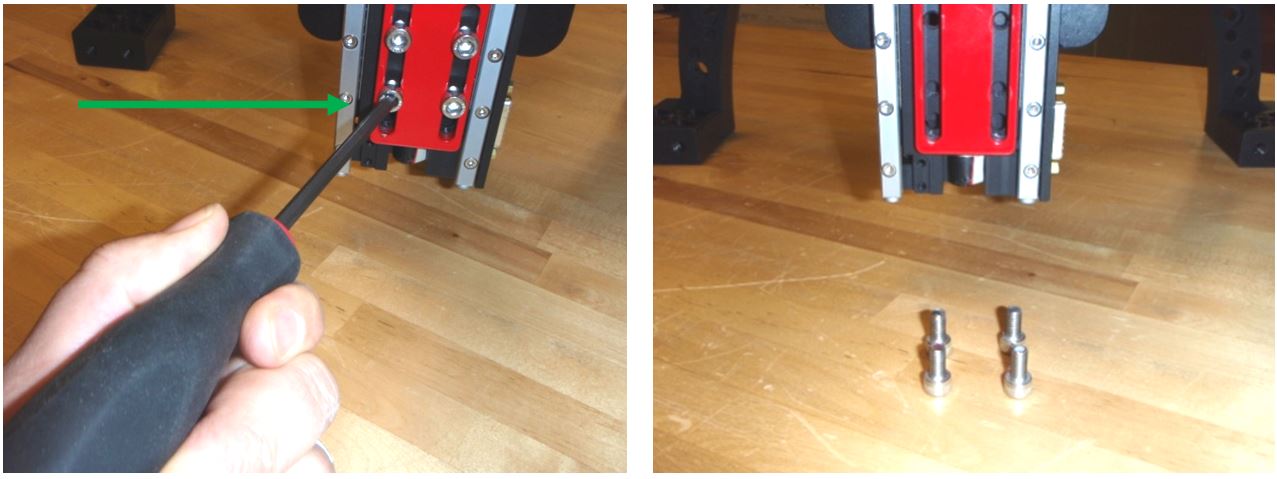
STEP 4: The top two screws are removed with the 6mm Allen wrench.
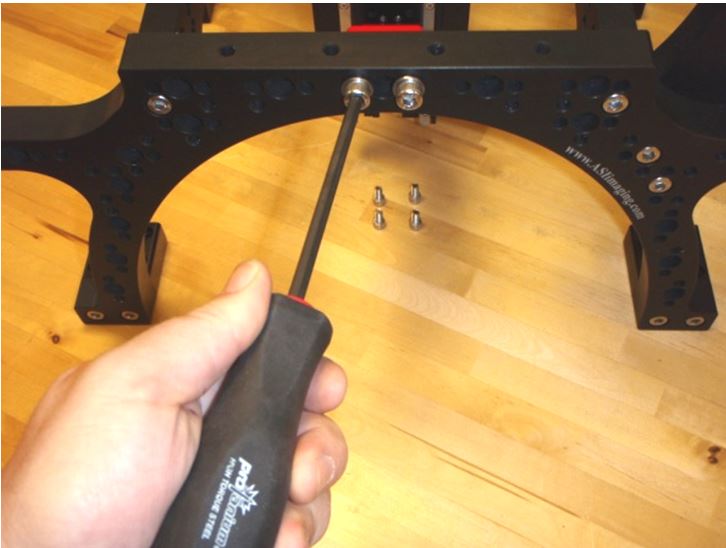
STEP 5: Keep the bracket with the systems shipping containers in case the system must be shipped again.
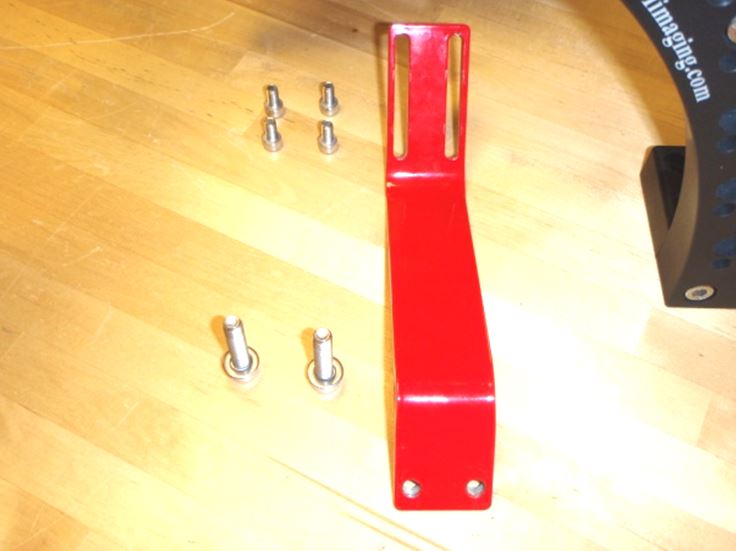
If you have any problems removing or installing the Red Shipping Bracket on the RAMM contact a ASI technician for further instructions on the procedure so that you don’t get frustrated and the system doesn’t get damaged. Thanks.