Table of Contents
Olympus SZX16 and SZX2-FOF Z-Axis & Zoom Drive Installation Procedure
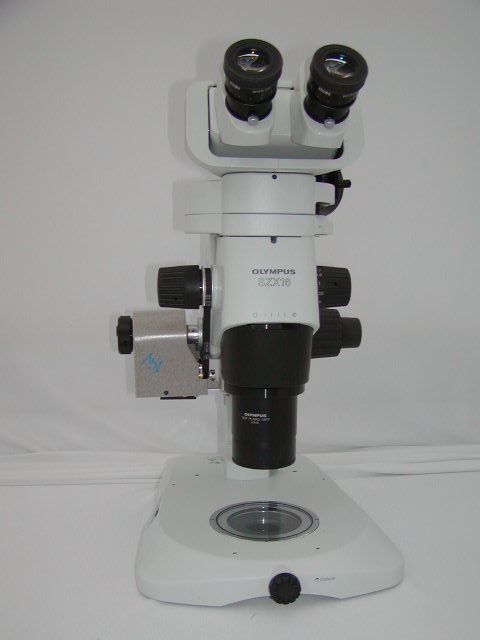
The procedure below outlines the steps necessary to install the ASI Microscope Focus Controller Drive onto the Olympus SZX2-FOF and SZX16 microscope.
To perform the following steps you will need the following tools:
Flat & Phillips screw drivers & a pair of Pliers 1.5mm, 2.5 mm, 3mm, 1/16 and 7/64 inch hex wrenches The hex wrenches are provided by ASI.
The procedure has 6 parts:
- Removing the left fine & coarse focus knob
- Installing the base plate & motor drive assembly
- Aligning the motor drive assembly
- Installing the motor drive cover plate & fine focus knob
- Connecting the cables to the controller
Part 1 - Removing the Left Fine & Coarse Focus Knob
Remove the left fine focus knob from the microscope as follows:
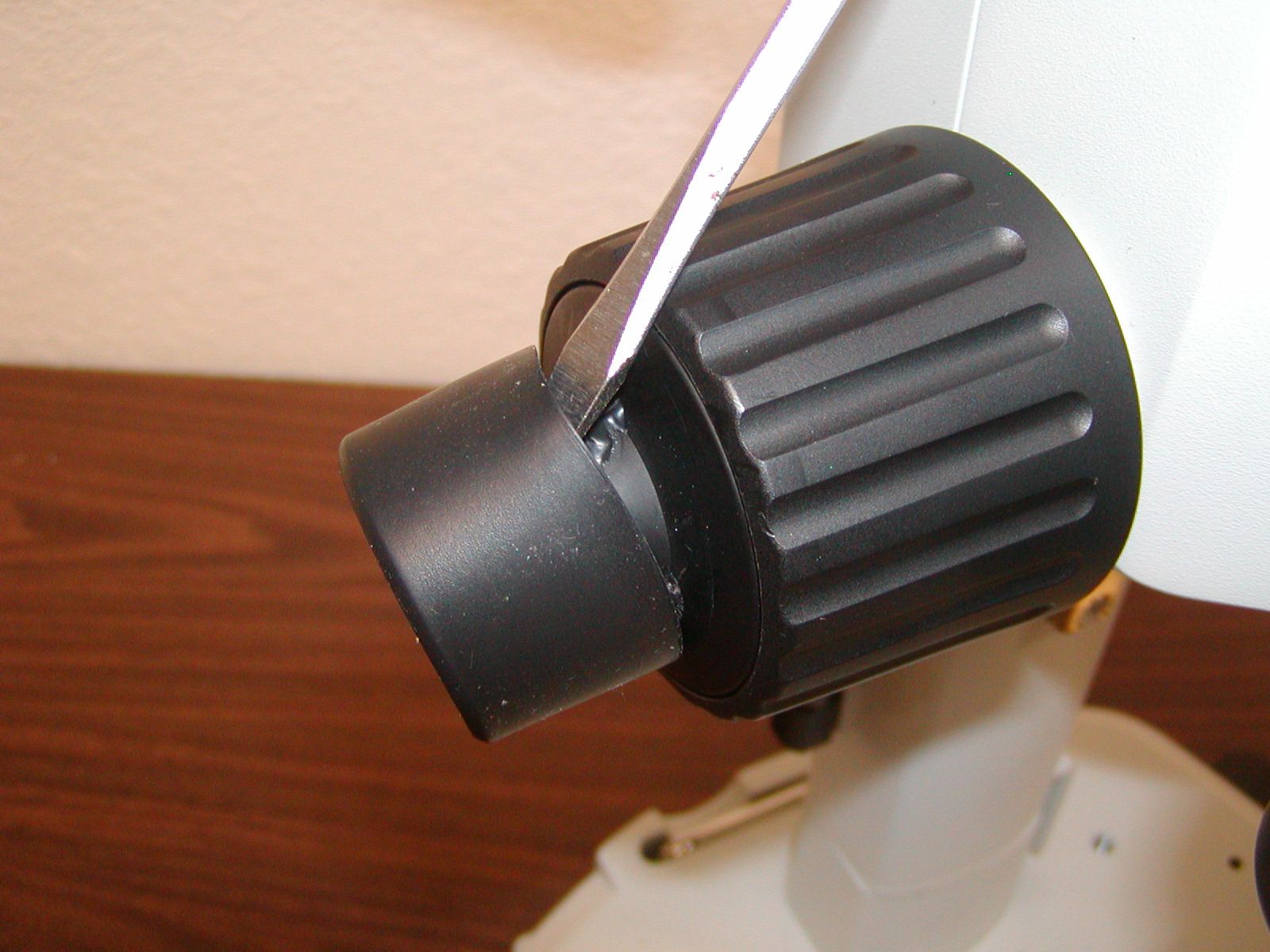
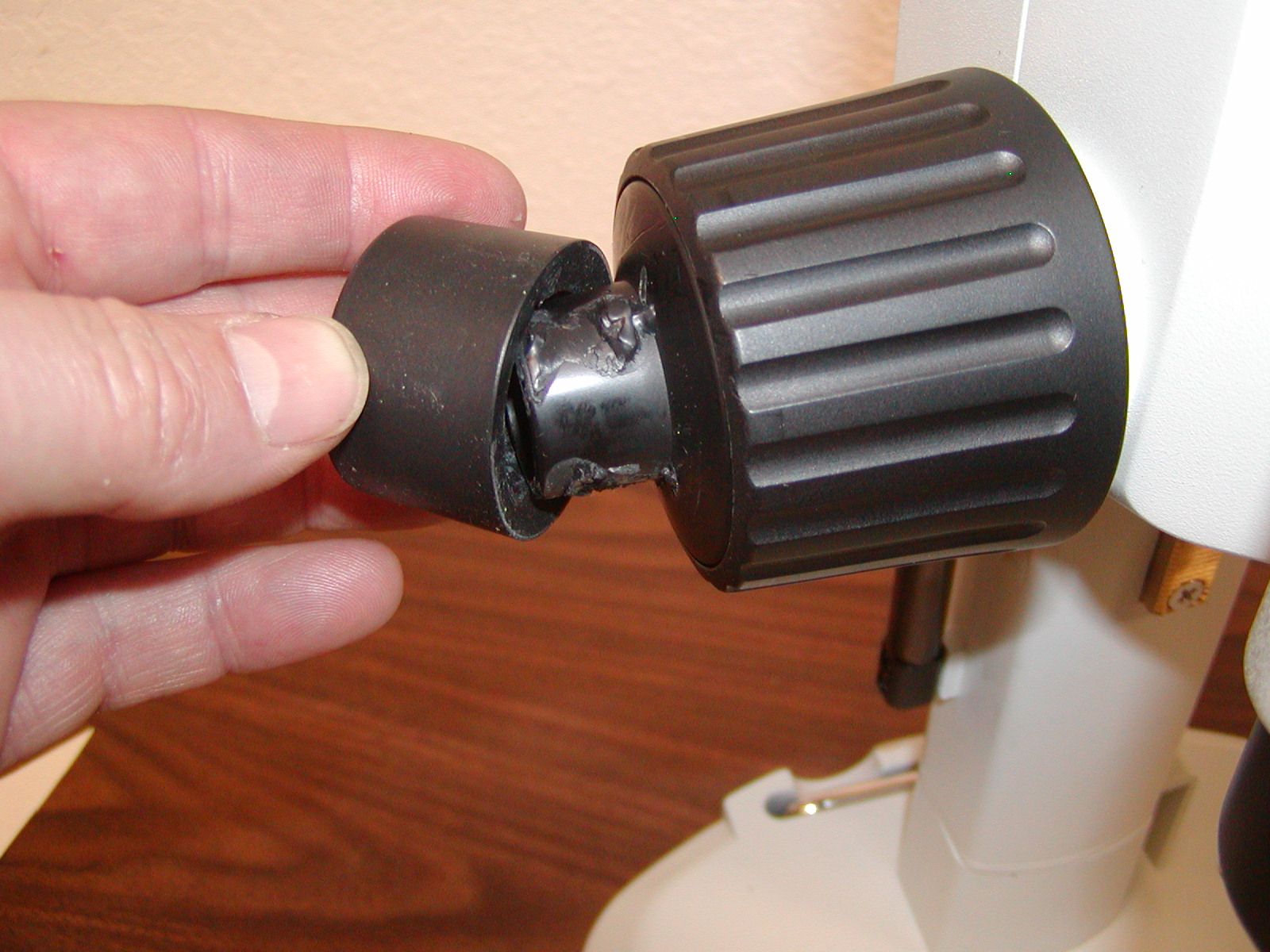
Pry the rubber boot of the end of the left fine focus knob (ffk), on some scopes a screwdriver may be needed to pry the knob off as it may be glued on.
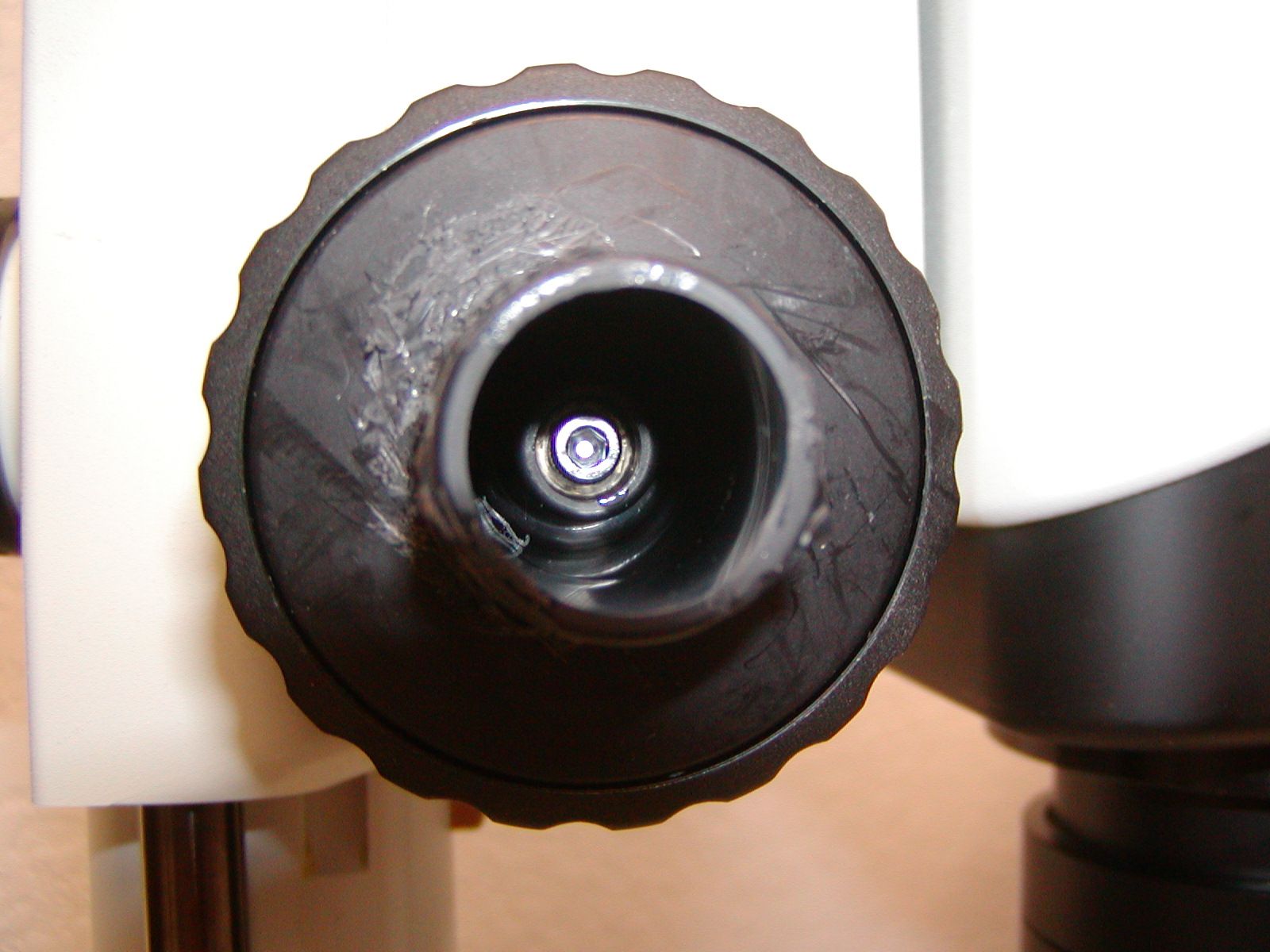
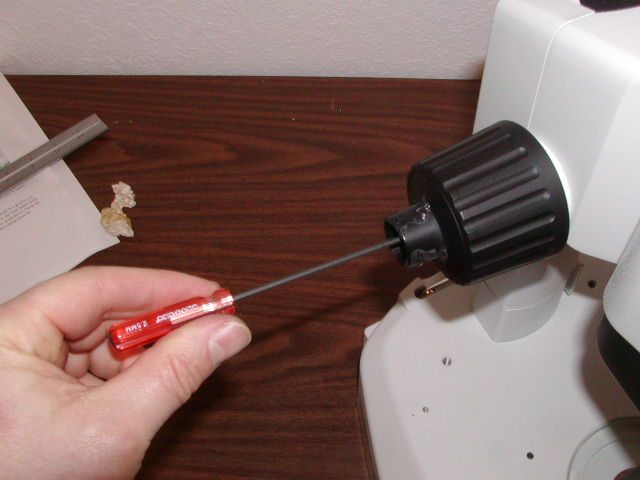
Figure 2 shows the location of the 3x 8 mm screw that must be removed / loosened to remove the ffk. Use the 2.5 mm Allen wrench to remove the screw while holding, or turning, the right fine focus knob.
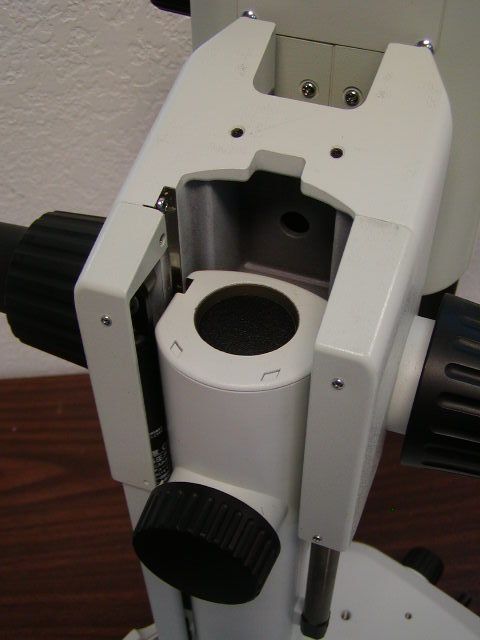
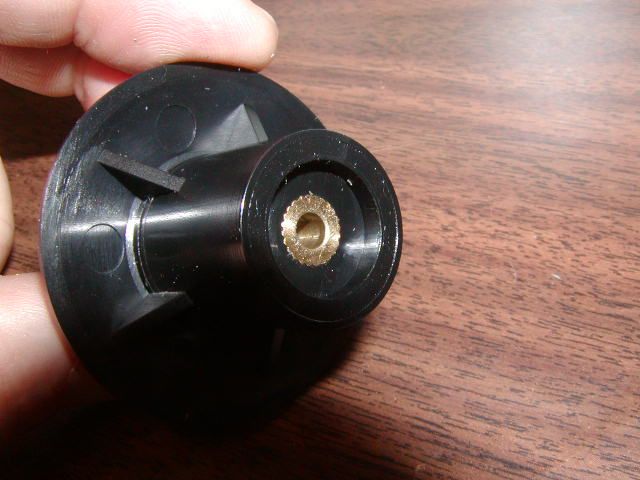
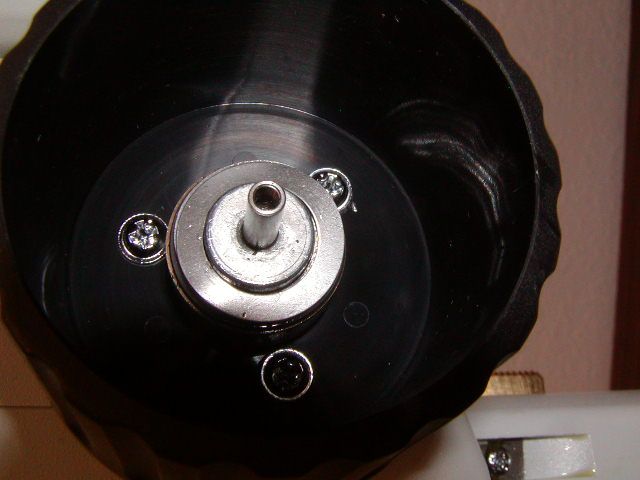
Unscrew the screw that secures the ffk & remove the knob as shown in figure 5. The focus assembly will rise up, or fall depending upon the load, when the ffk is removed as shown in figure 4. Insure that the spring washers remained inside of the coarse focus knob as shown in figure 5. If they are stuck to the ffk remove them and place them inside of the coarse focus knob as shown. Store the ffk & 2.5 mm screw that retained it, as they are not needed with the ASI Z-drive.
Installing the ASI Fine Focus Shaft Extender (FFSE)
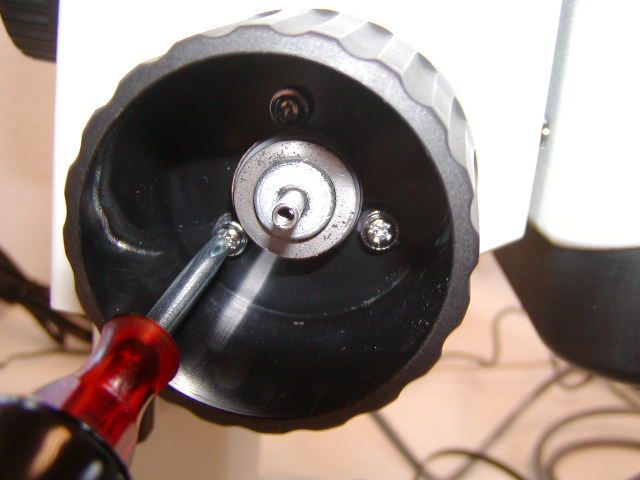
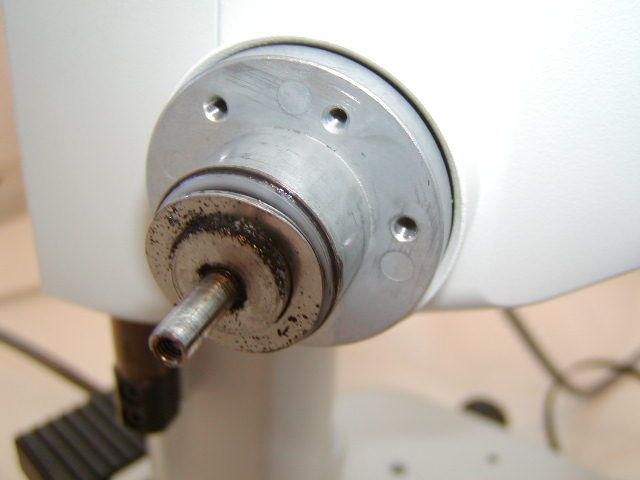
Use a cross blade screwdriver to loosen the three Philip head screws and remove the coarse focus knob as shown in figure 6
Part 2 - Installing the Baseplate & the Z-axis drive
Locate the motor drive & zoom components as shown in figure 10. Use the 7/64 “mm Allen wrench to loosen & remove the horizontal adjustment screw as shown I figure 11. Loosen the vertical adjustment to screws & drive shaft clamp as shown in figures 12 & 13.
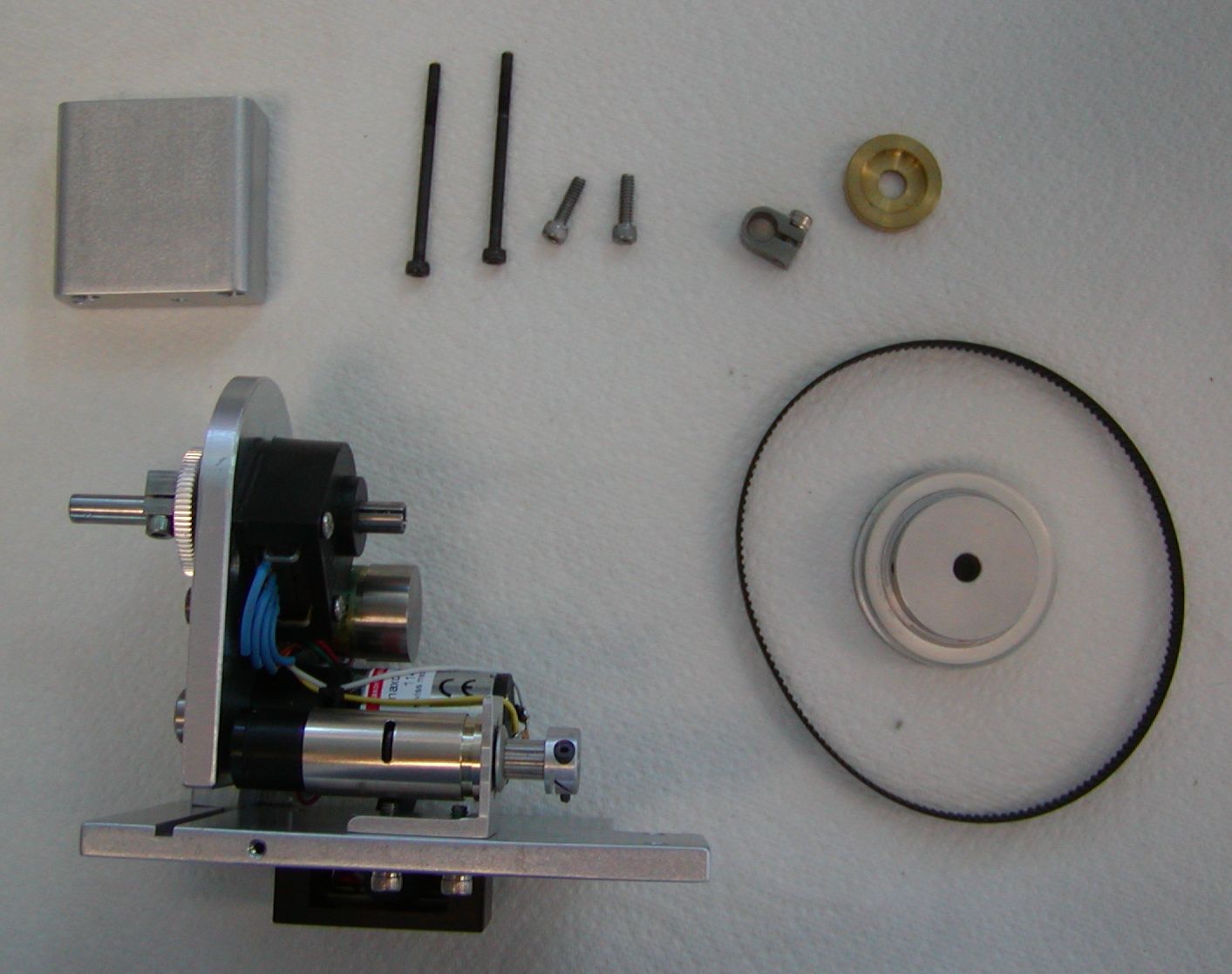
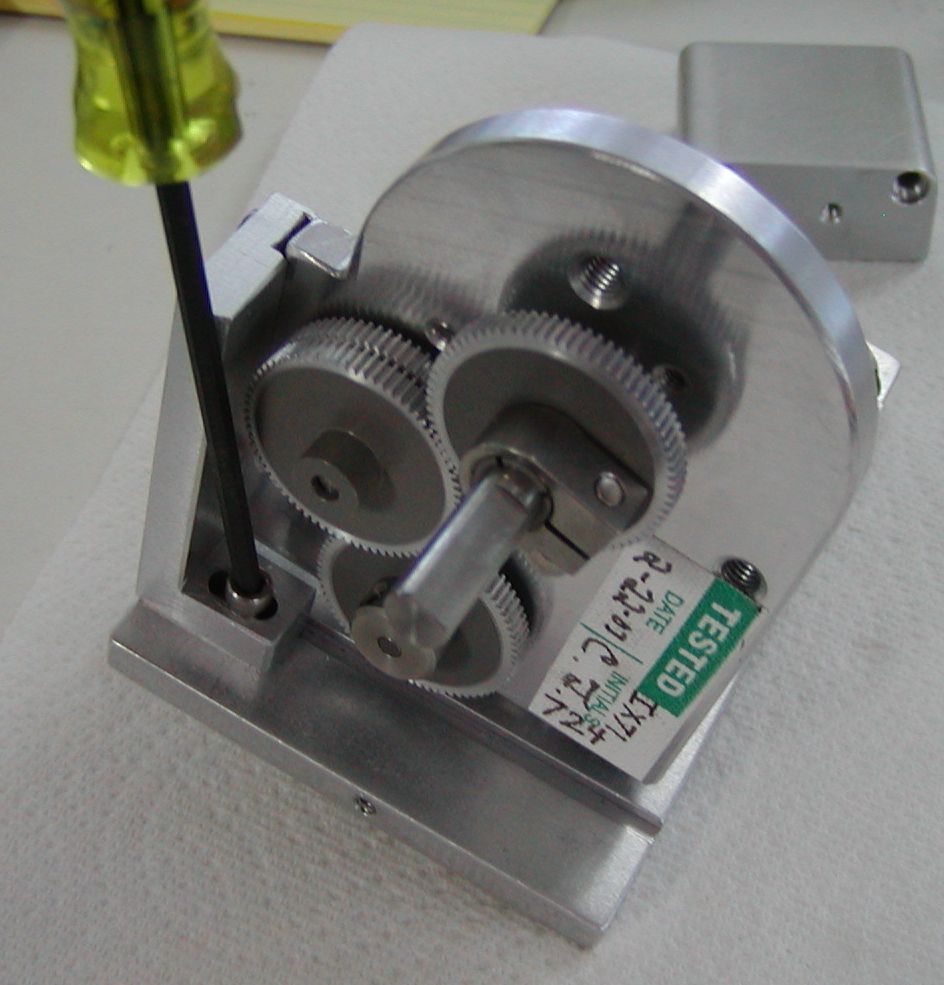
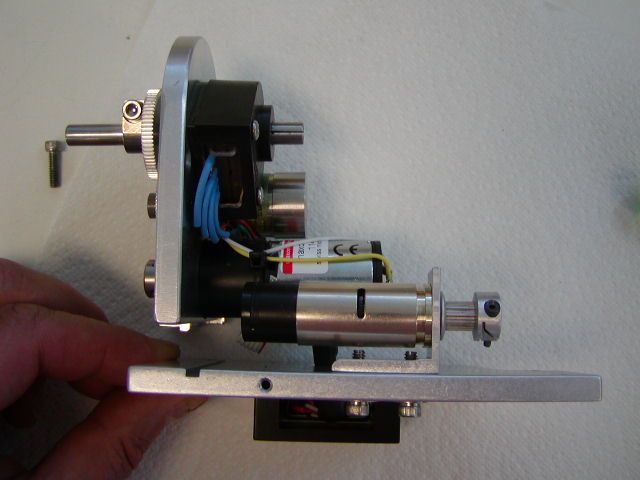
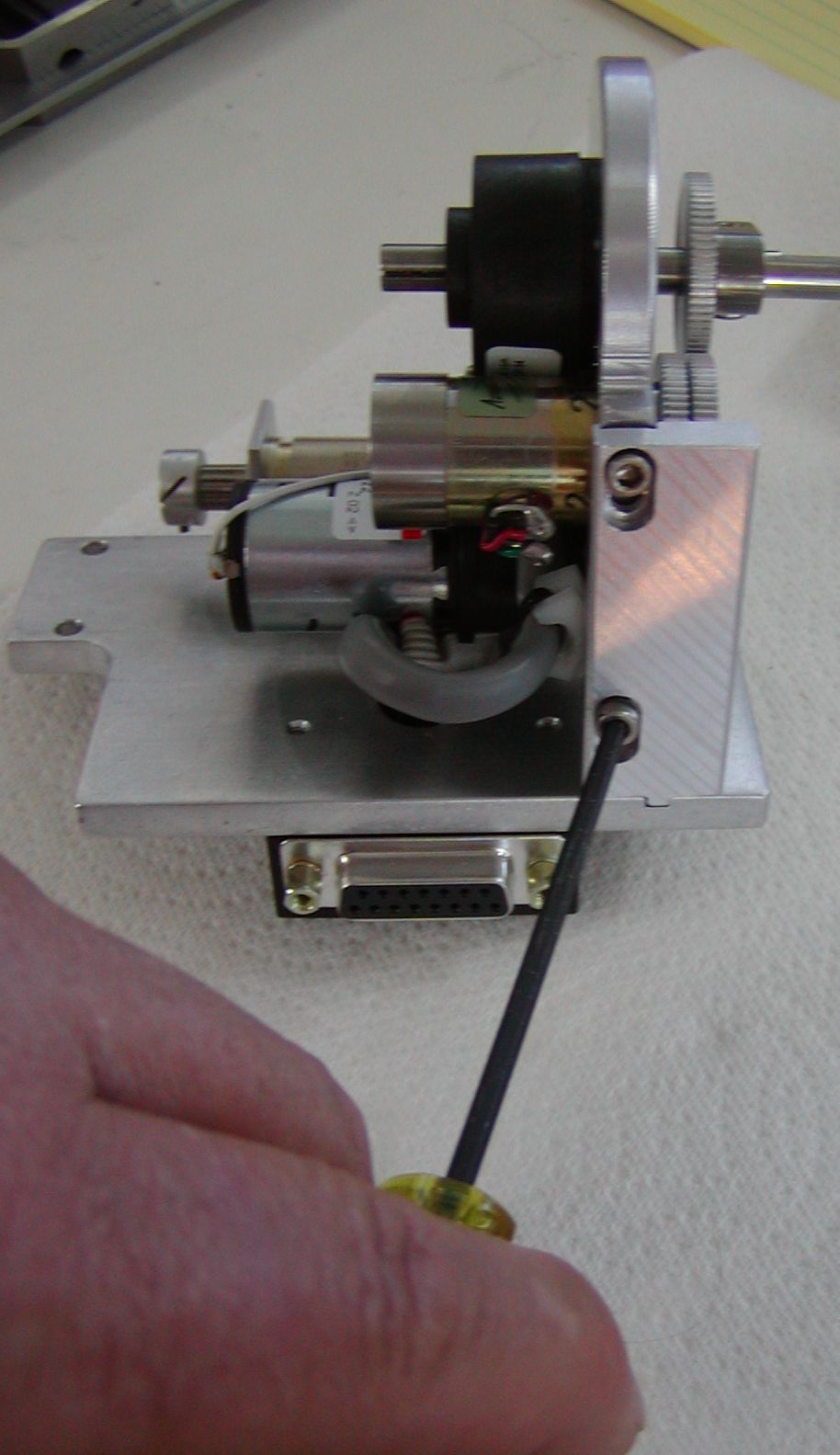
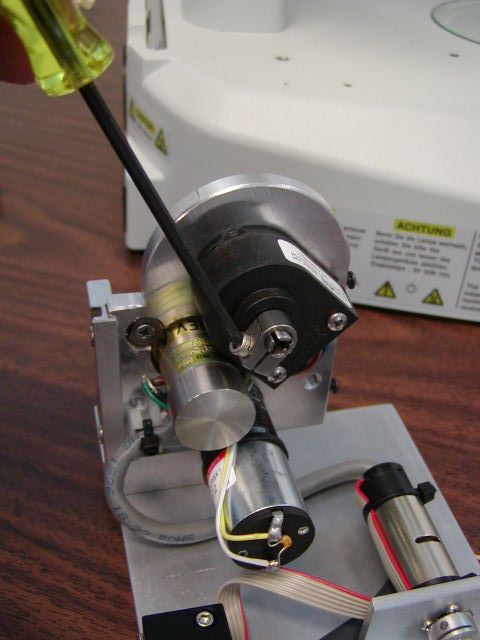
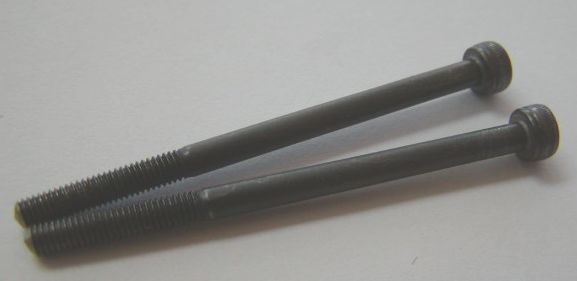
Locate the two 3 x 45 mm screws that secure the base plate to the microscope & the 3 mm Allen wrench.
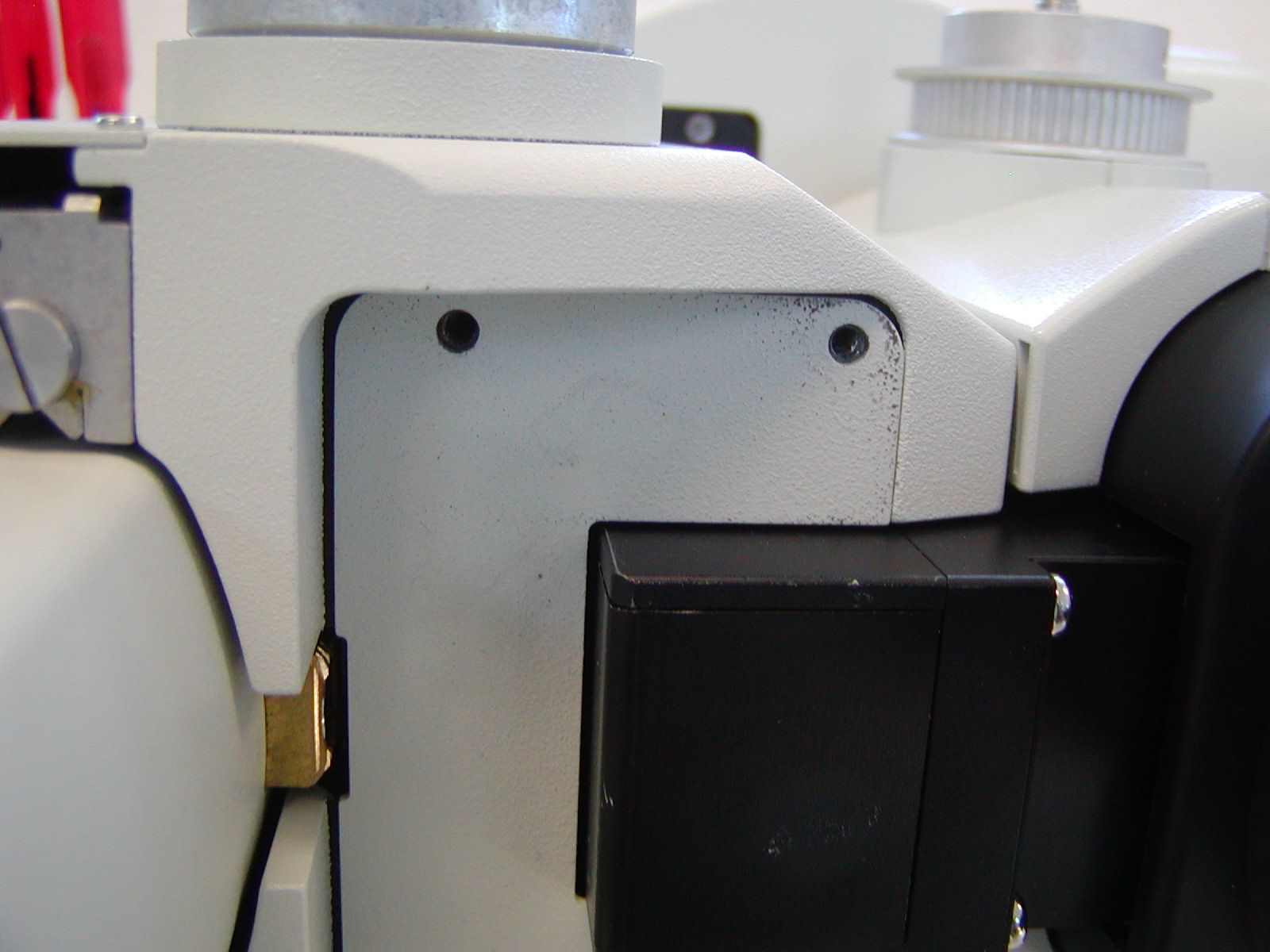
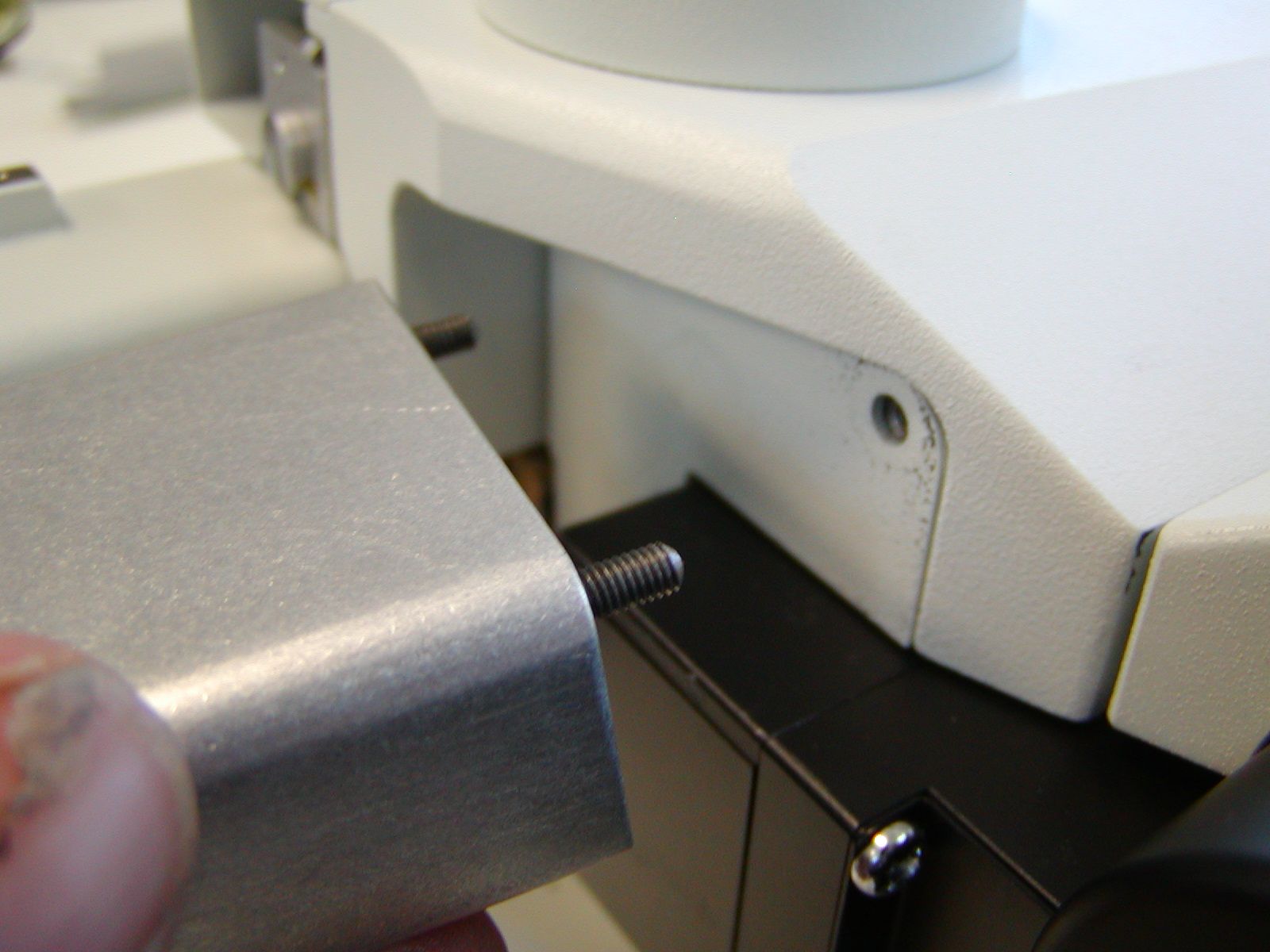
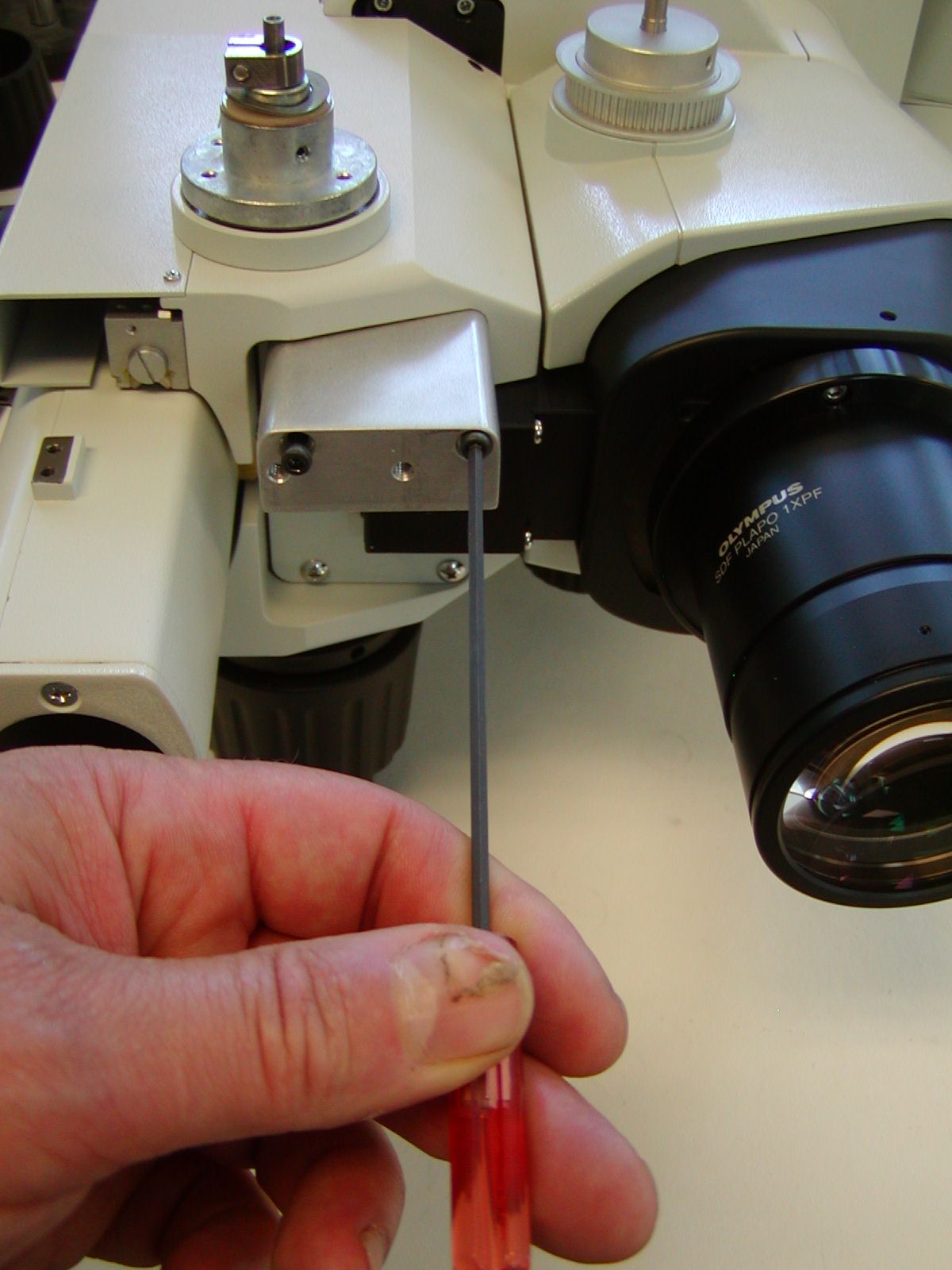
Remove the microscope body from the stand and lay it on its side as shown in figure 15. Use the two 3 x 45 mm screws to install the drive assembly spacer block as shown. Use the 2.5 mm Allen wrench to securely tighten the two screws.
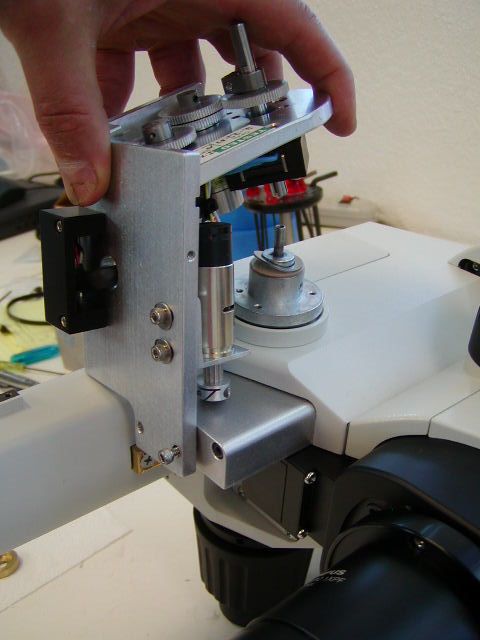
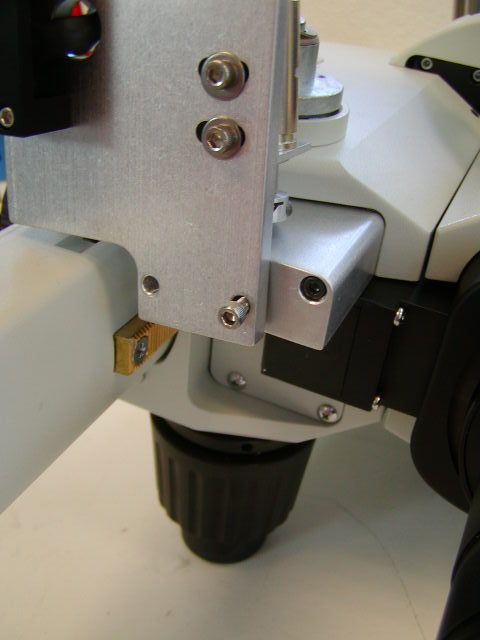
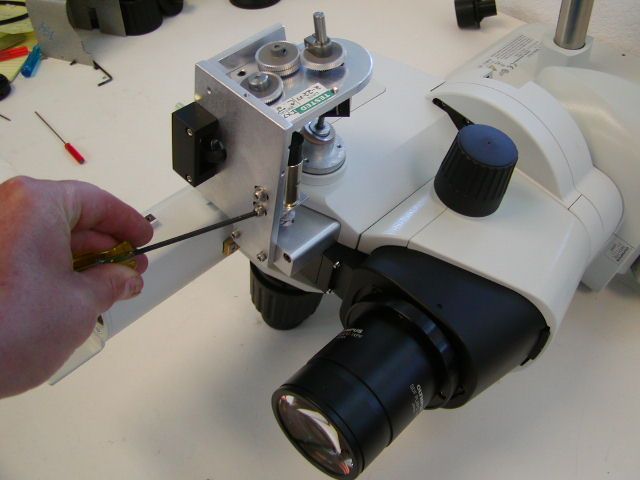
Locate the Z-axis drive & the two 6/32 x ½ inch screws that are used to secure the Z-drive to the drive assembly spacer block as shown in figure 16. Use the 7/64” Allen wrench to tighten the screws to secure the Z-drive to the drive assembly spacer block.
After installing the Z-drive install the microscope back on to the stand.
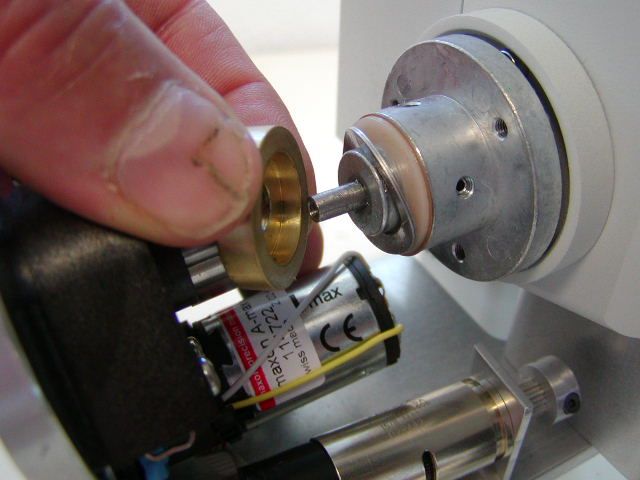
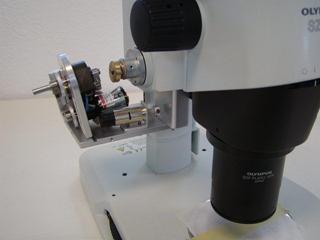
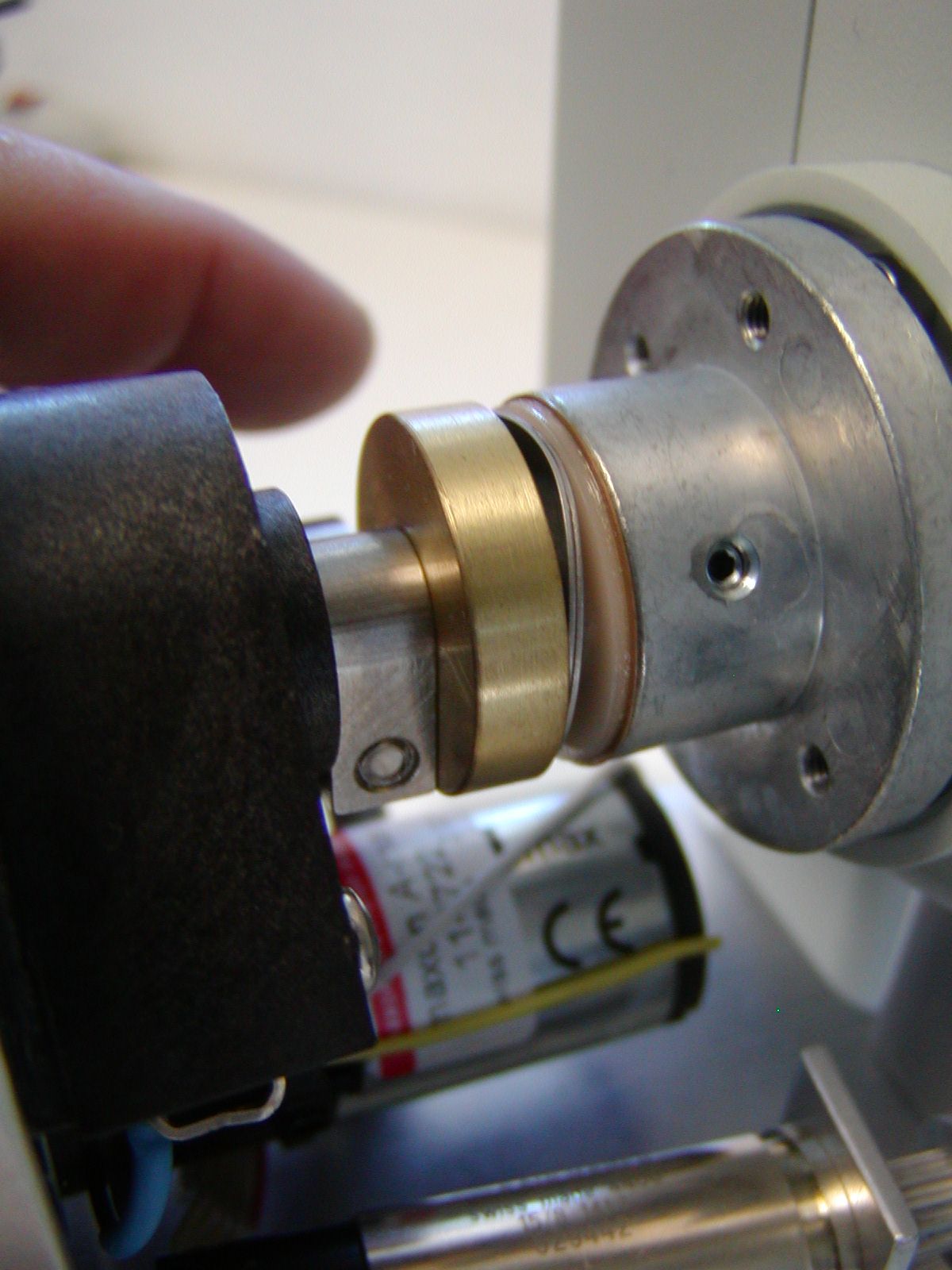
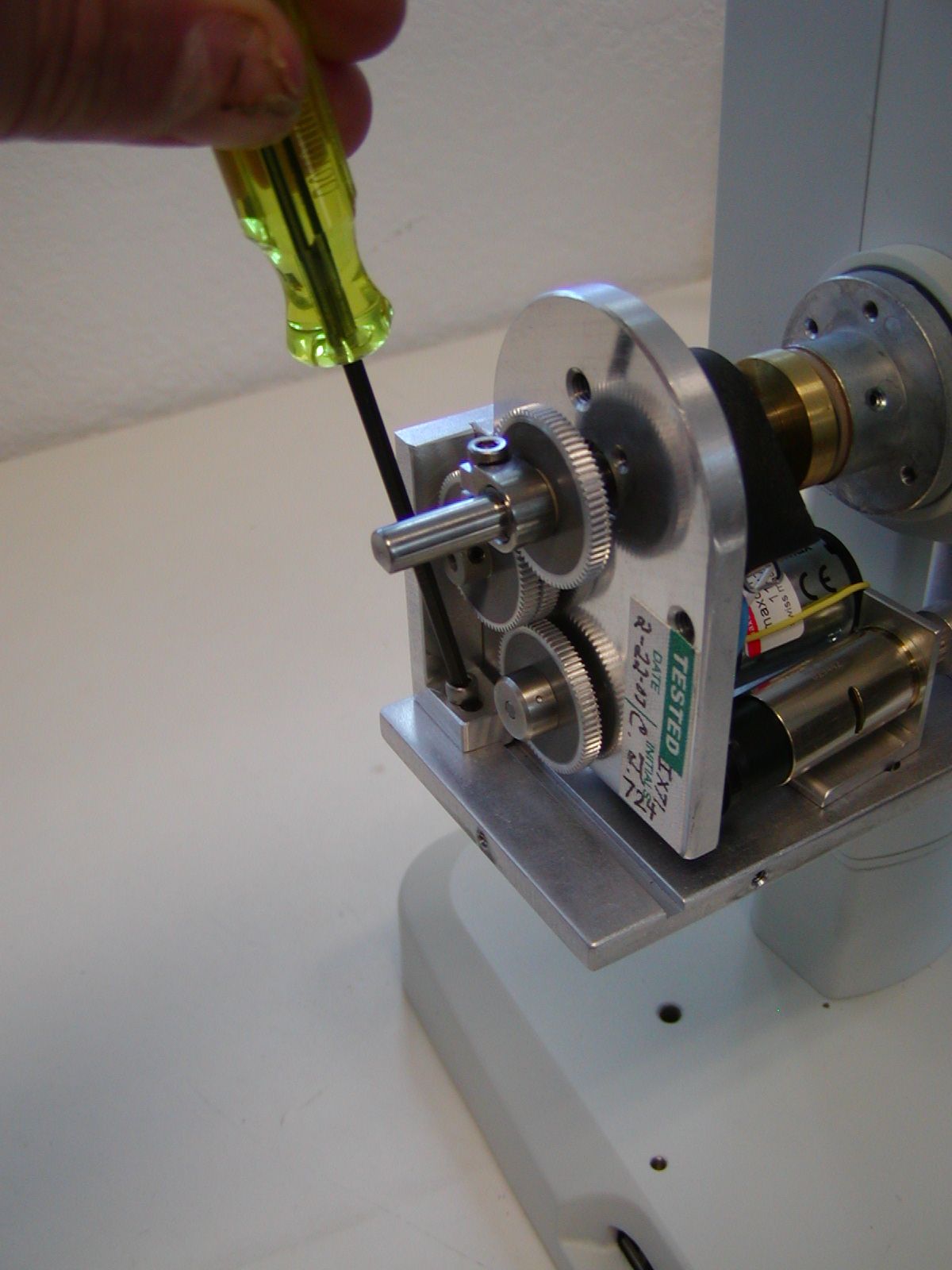
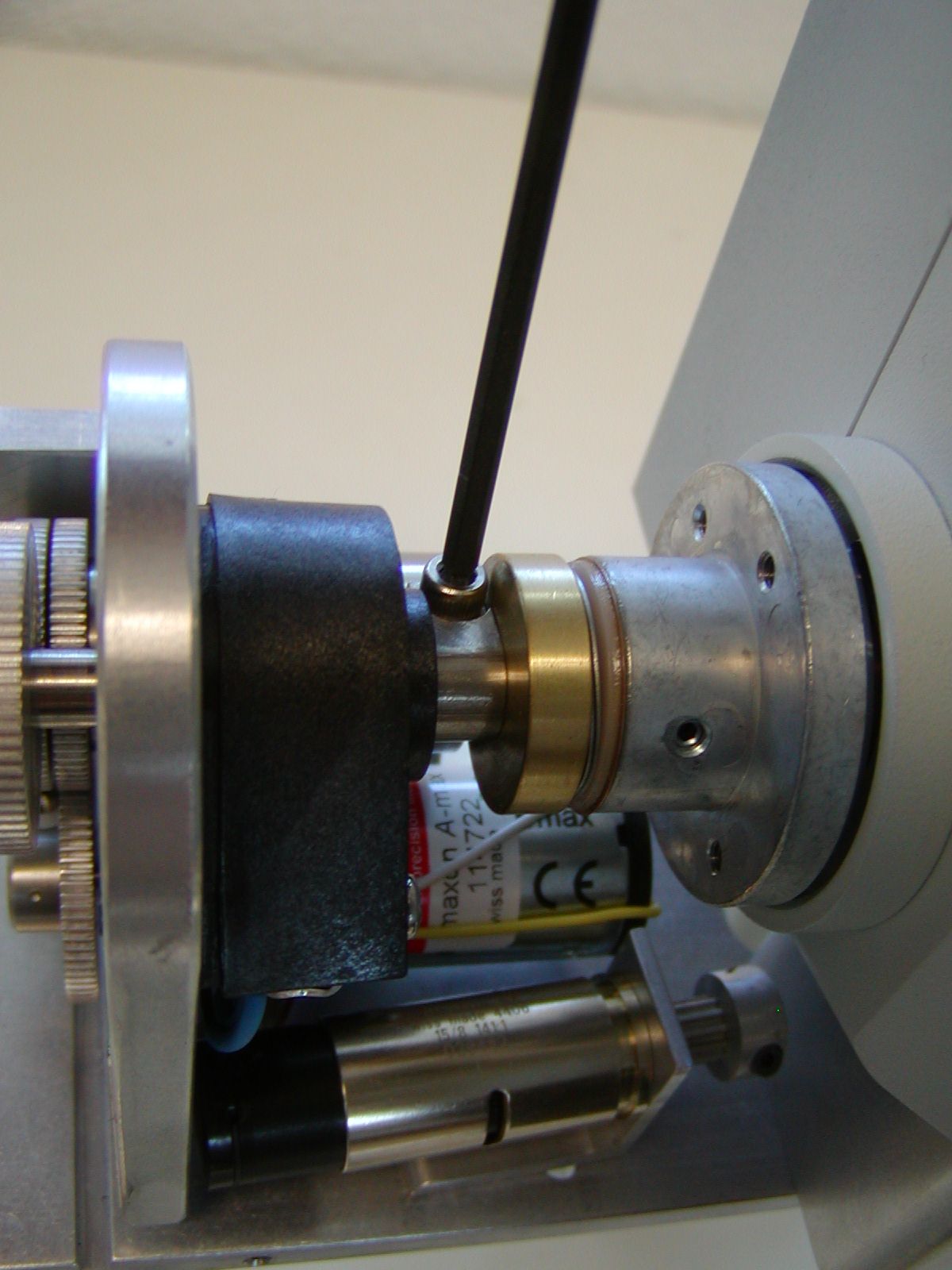
Install the brass clutch plate, and Z-axis drive as shown in figures 17 & 18. The Z-drive adjustment bar has a tab that fits into the grove on the Z-drive base plate. The drive is secured to the base plate with the horizontal adjustment screw that was removed in figure # 11. Please note that it is important that the brass clutch plate compresses the two wave washers as shown before using the 7/64” Allen wrench to secure the drive shaft clamp. Please also note that the drive shaft clamp must be securely tightened to prevent slippage.
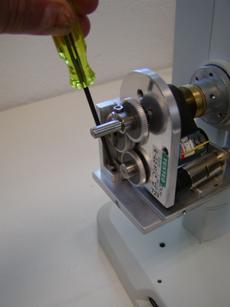
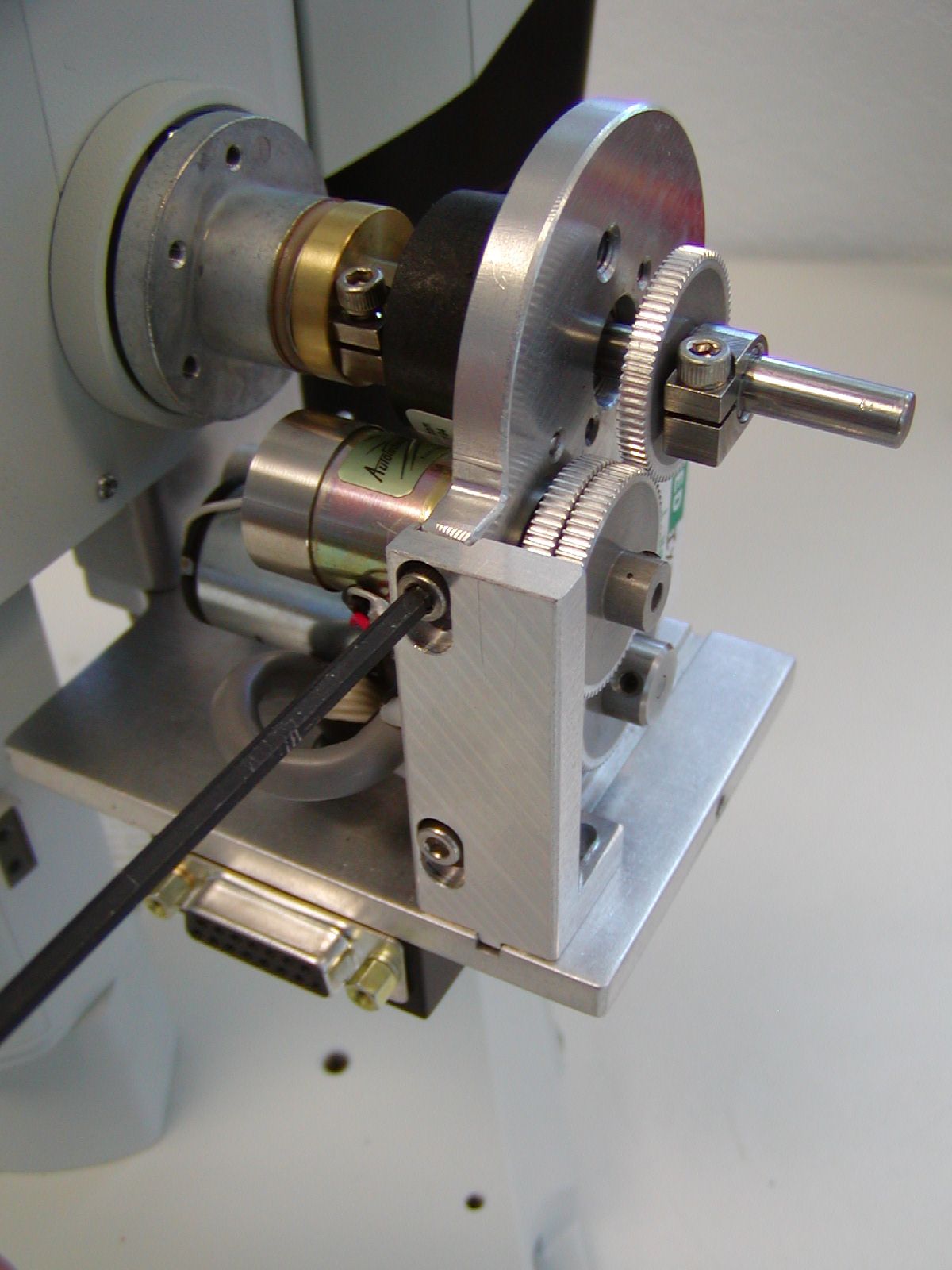
Use the 7/64 “ Allen wrench to secure the vertical & horizontal adjustment screws. These three screws should just be lightly tightened, and may need to be loosened to obtain the proper alignment as outlined below.
Part- 3 Aligning the Motor Drive
Check the alignment by noting the drag while turning the right fine focus knob. No noticeable drag should be felt at any point with in the full 360 degrees of rotation. If any noticeable drag is felt loosen the Vertical & Horizontal adjustment screws and reposition the drive to a point where no drag is felt. Then hold the drive in place and loosely tighten Vertical & Horizontal adjustment screws.
Part 4- Installing and aligning the Zoom motor drive assembly
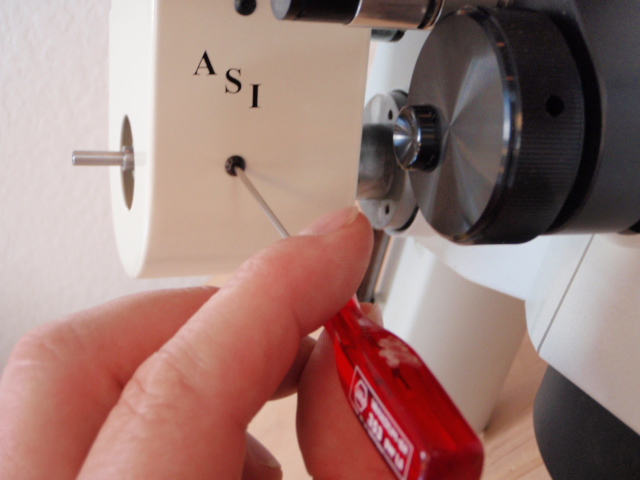
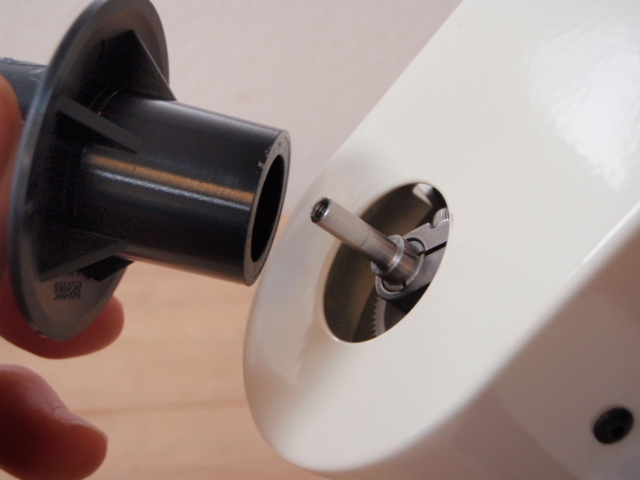
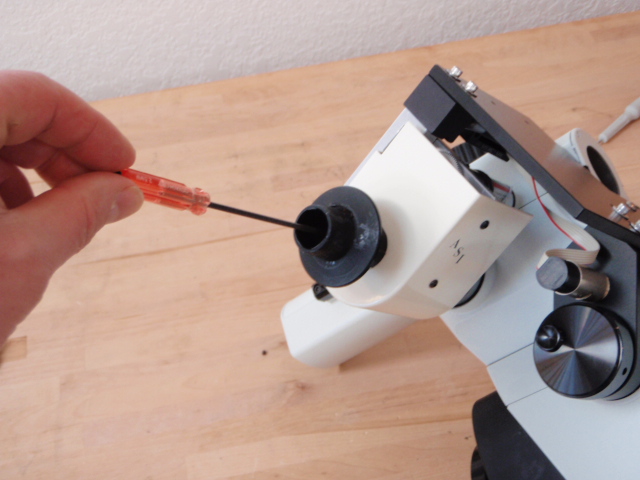
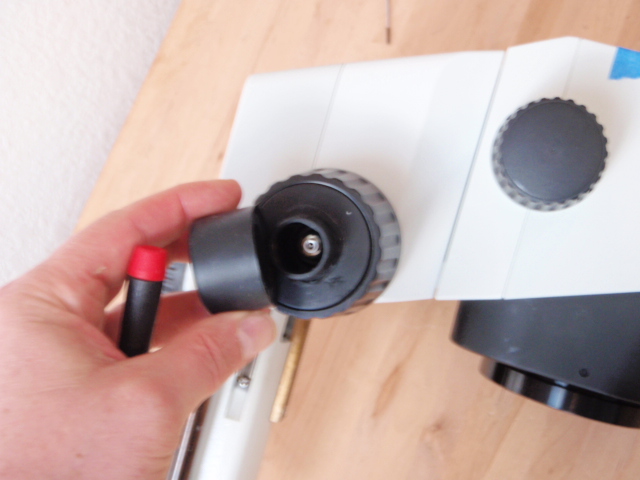
As shown in the above photos locate the ASI drive cover and install it over the drive as shown. Use the supplied 4/40 button head screws and the 1/16 inch Allen wrench to secure the cover to the drive. After securing the cover install the original Olympus focus knob that was remover in figures 1 & 2 as shown above.
Part 5- Installing the motor drive cover plate & fine focus knob
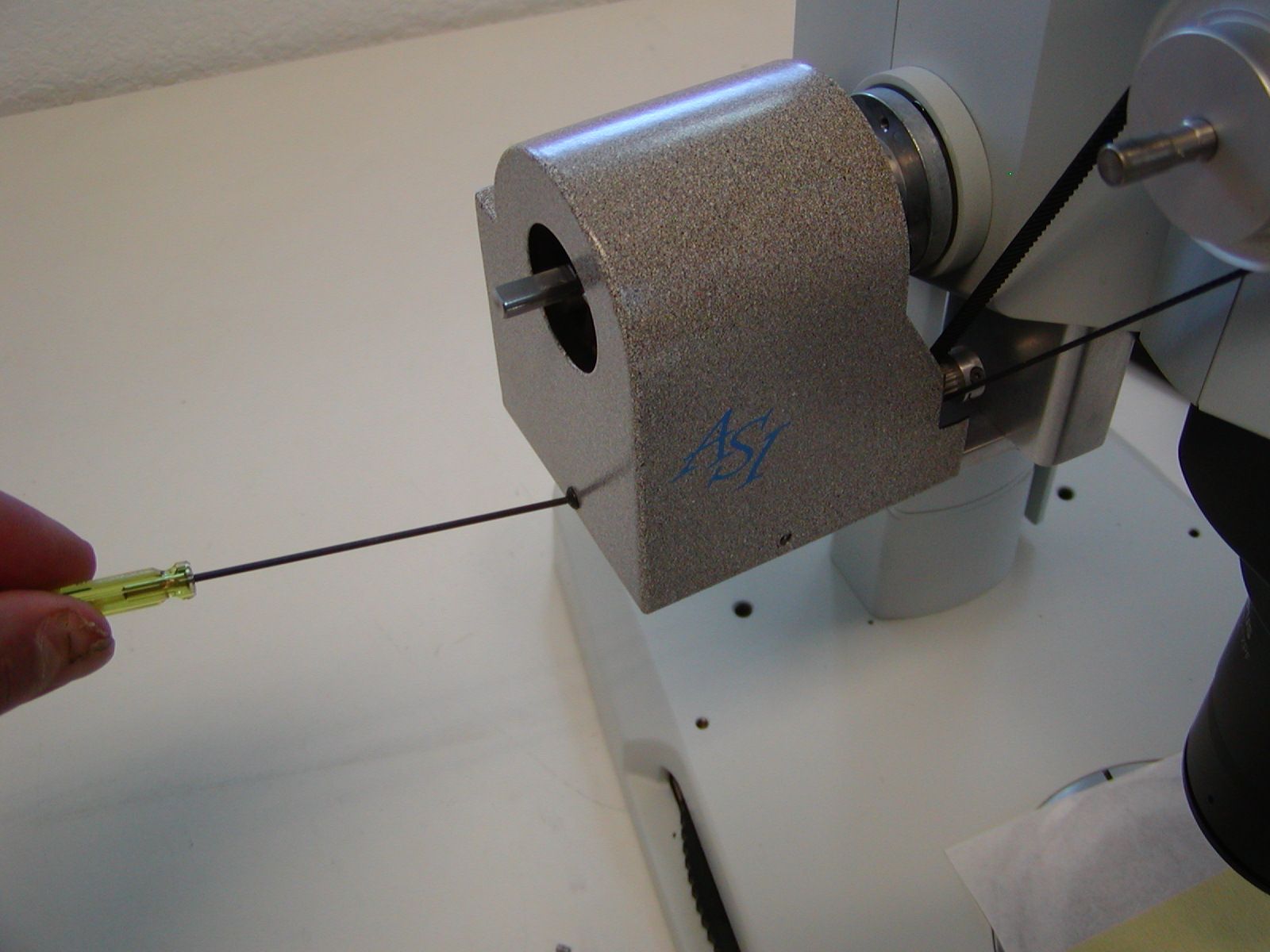
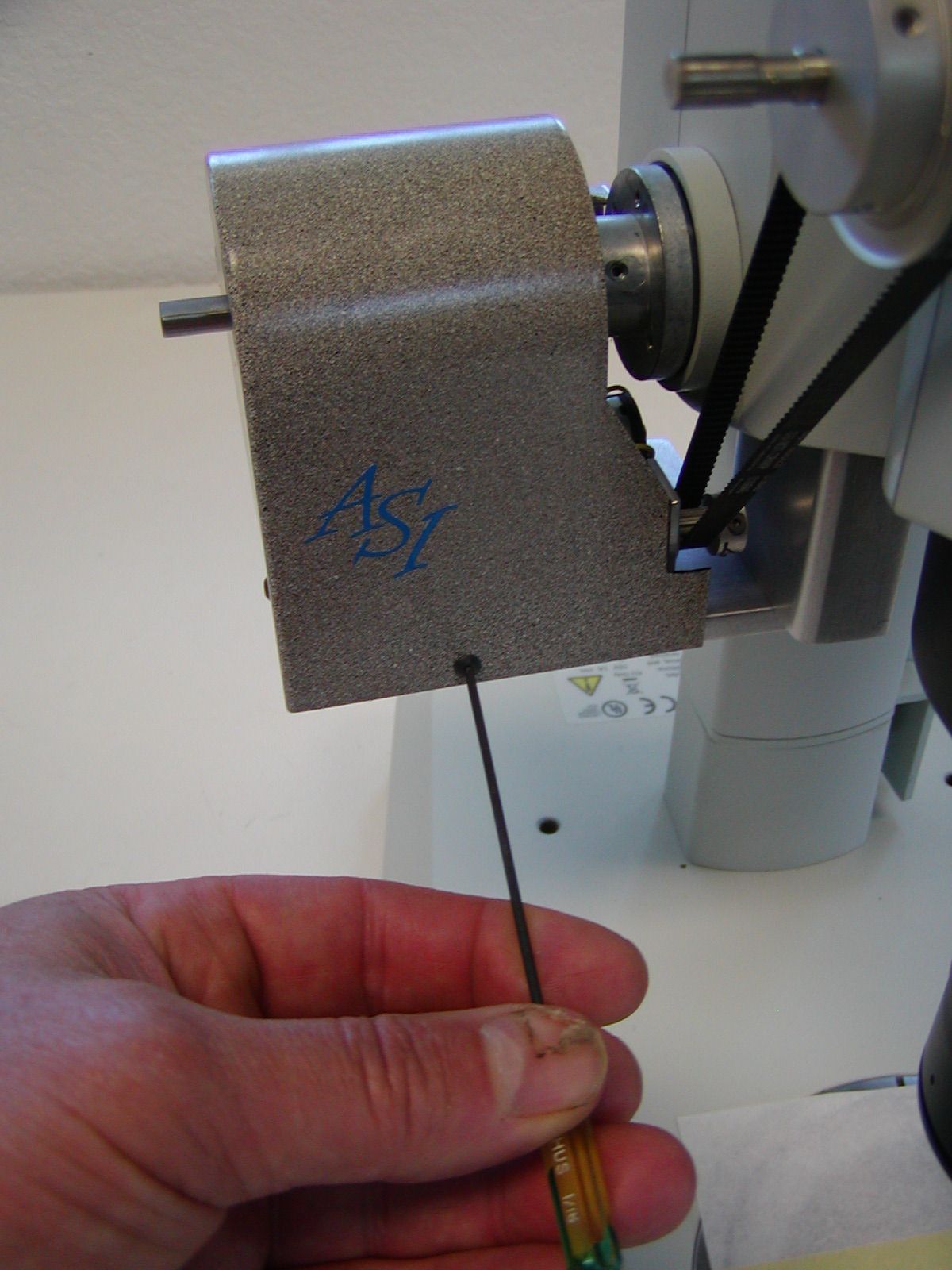
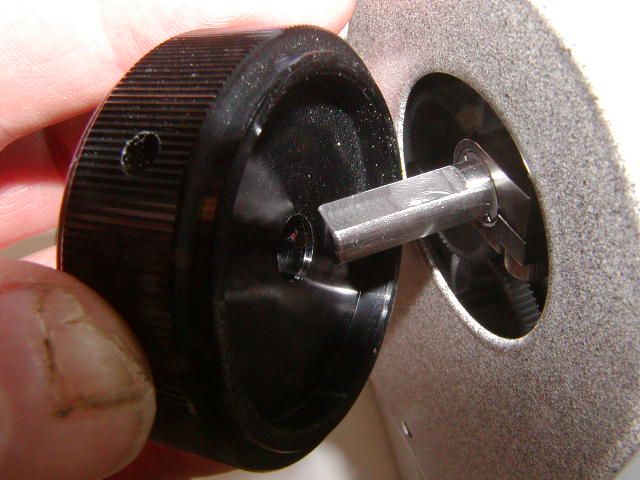
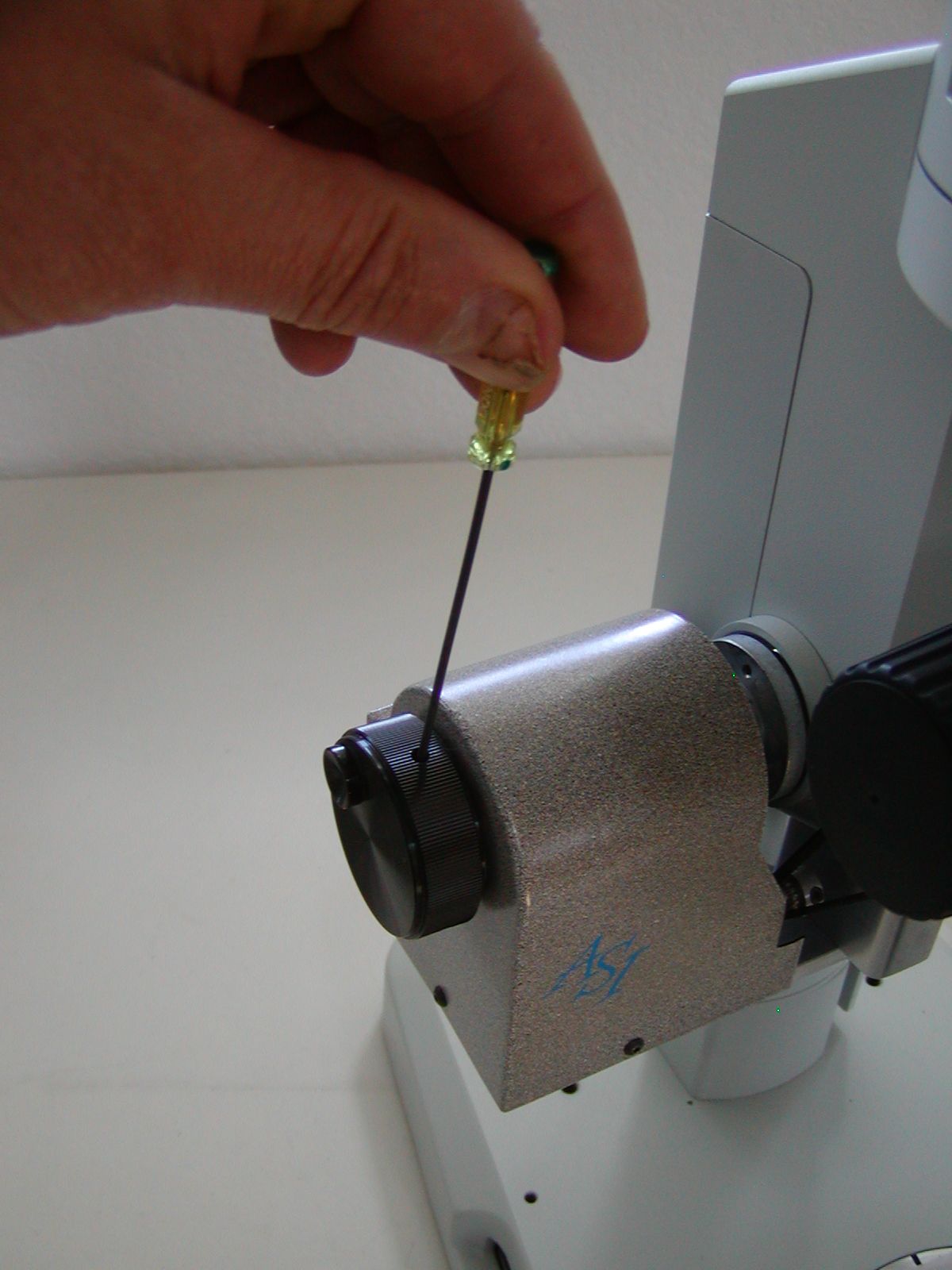
Install the drive cover and left focus knob as shown in figure 28
Part 7 Connecting the cables to the controller
- Install the drive cable from the motor drive assembly to the controller connector labeled “
- Install the dual foot switches to the controller connector labeled “ Foot Switches”
- Install the single foot switch to the BNC connector on the controller.
- Install the RS232 serial cable from the com port on your computer to the controller connector labeled “Serial In”
- Install the power connector & plug the power pack in to AC power.